
Design your wedding invitation online
You don't need design experience to make an invitation that feels like you. Start with a wedding template, personalise the details, and preview your invitation before sharing it with your guests.
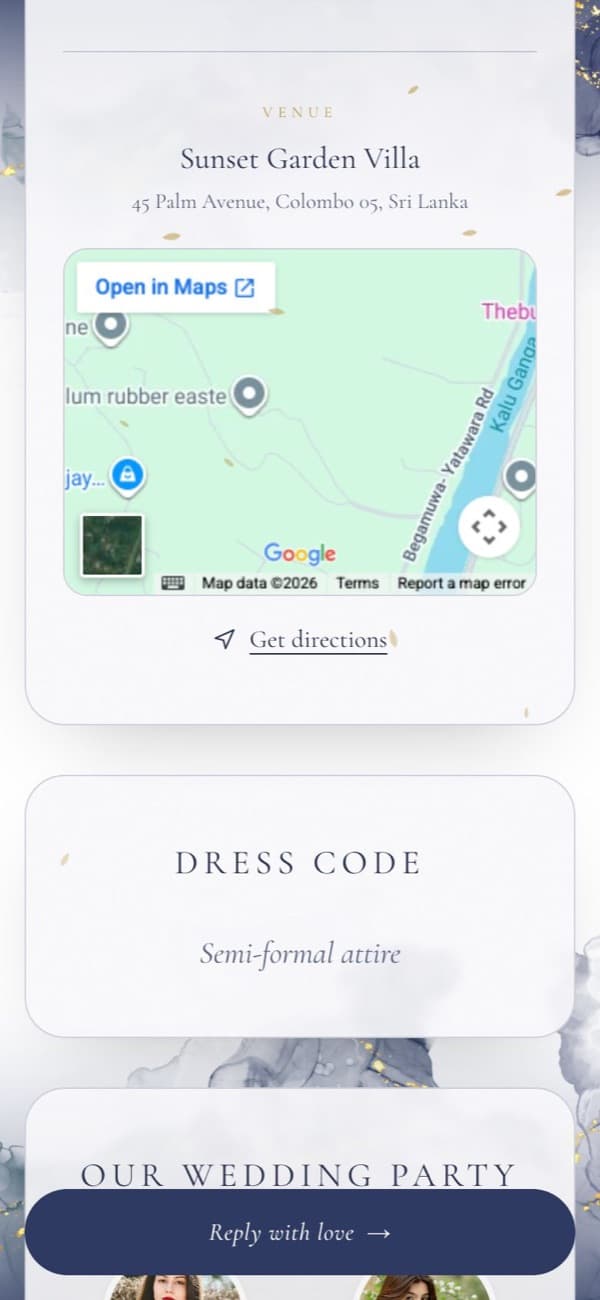
Choose a template
Each template is the same complete invitation, dressed in its own background, palette and wax seal.
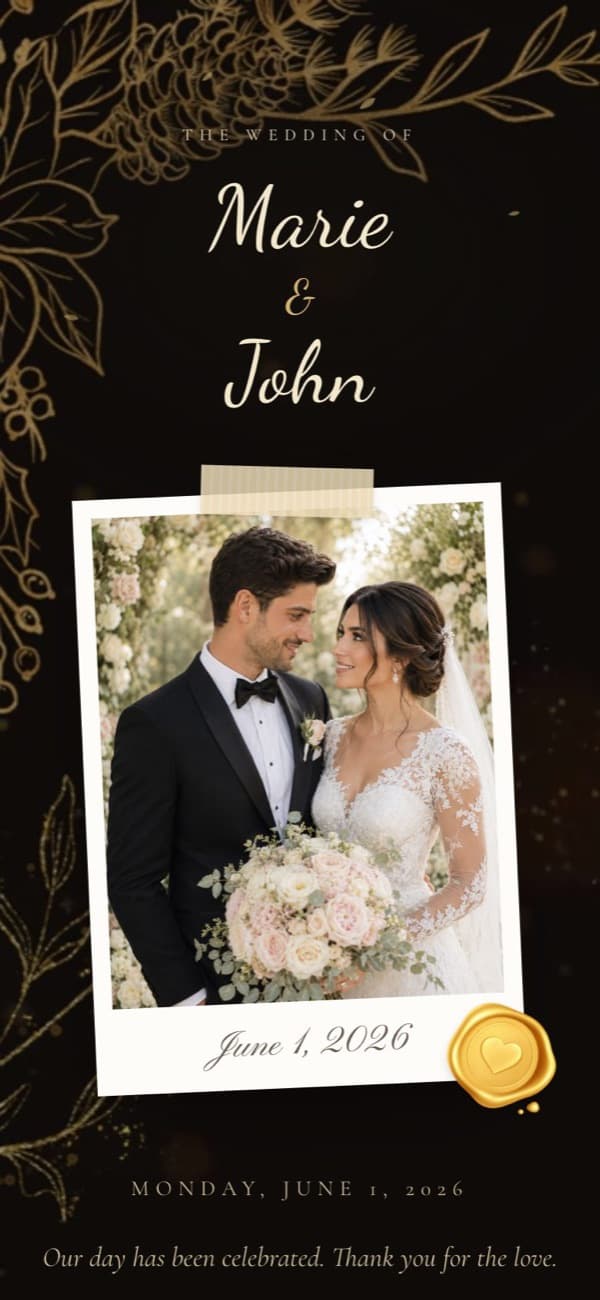
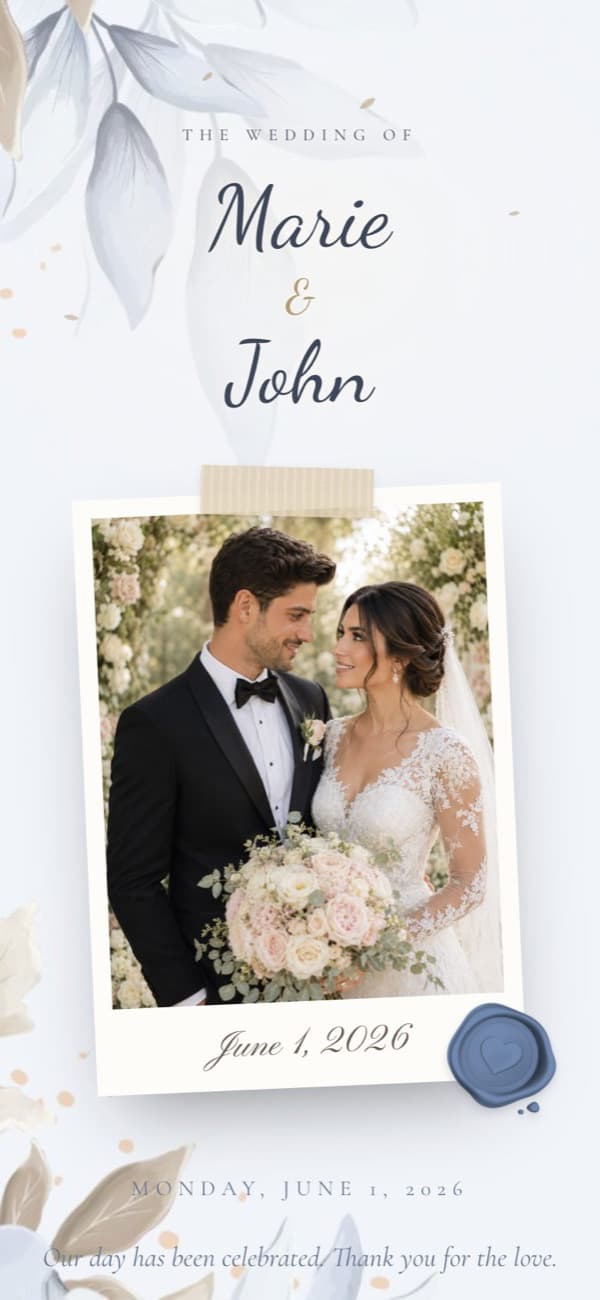
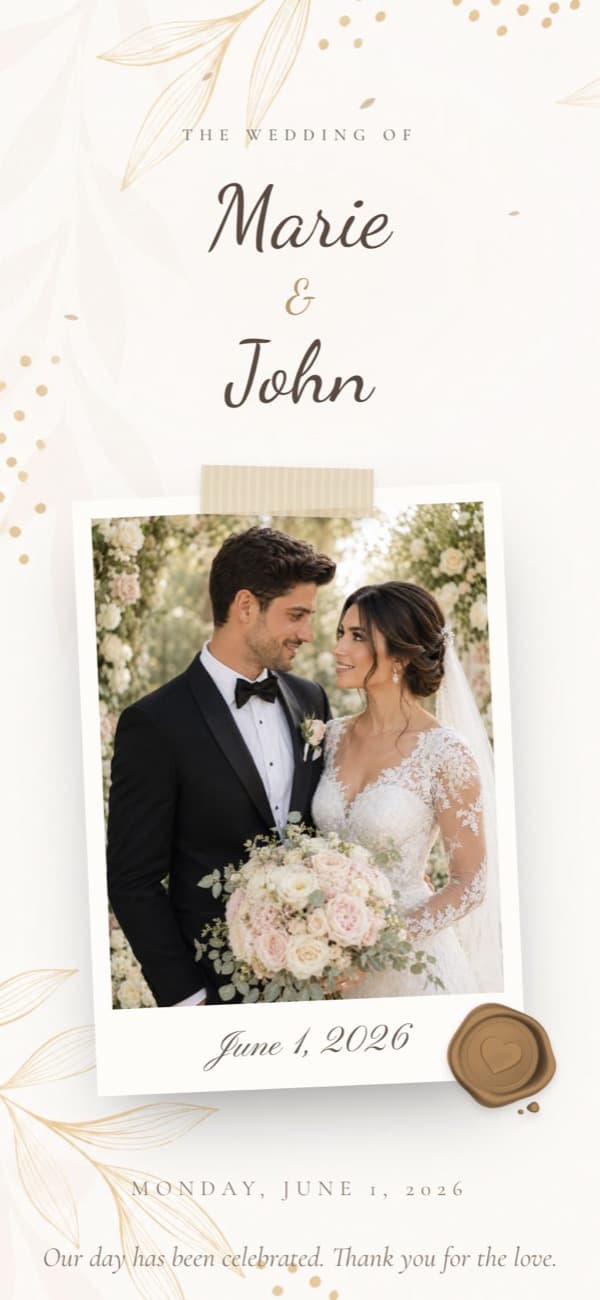
Make it yours
Everything below can be filled in during creation or added later in the editor.
Names, date and wording
Your names, the wedding date and a short headline in your own words. A live countdown to the day is added for you.
Families
Add both sets of parents, with separate fields for father and mother or a single line, the way a printed card would show them.
Every event
Add the ceremony, reception or any other part of the day, each with its own date, times, venue, address and map link.
Your couple photo
Upload a photo and it becomes the centrepiece of the invitation and the picture shown when your link is shared.
Background music
Choose a track from our library or upload your own song. It starts when a guest opens the invitation, with a mute button.
Extras when you want them
Your story, dress code, wedding party, a photo gallery and the guest wishes wall can be added in the editor.
How the maker works
- 01
Choose a template
Start from any design. It only sets the look: background, colours and wax seal. Your words stay the same if you switch.
- 02
Fill in the guided steps
The creation wizard walks you through couple, families, wording, events, photo and music, one screen at a time.
- 03
Review and publish
Check everything on the final review step, then publish for free. Nobody sees the invitation until you send them the link.
- 04
Preview, then share
Open the link yourself to see exactly what guests will see and fix anything in the editor. Then share it on WhatsApp, copy the link, or download a QR code.
Questions about designing
No. Each template already handles layout, typography and colour. You only type your details and choose a photo.
Yes, at any time, even after publishing. Your names, events and photos carry over to the new design.
Yes. Every detail stays editable, and guests see the changes the next time they open the link.
Yes. The Custom Template lets you upload your own background images, with separate versions for phones and larger screens.
Yes. You can create and edit your invitation from a phone, tablet or computer, and invitations are designed to read well on small screens.
Guides for planning your invitation
All guides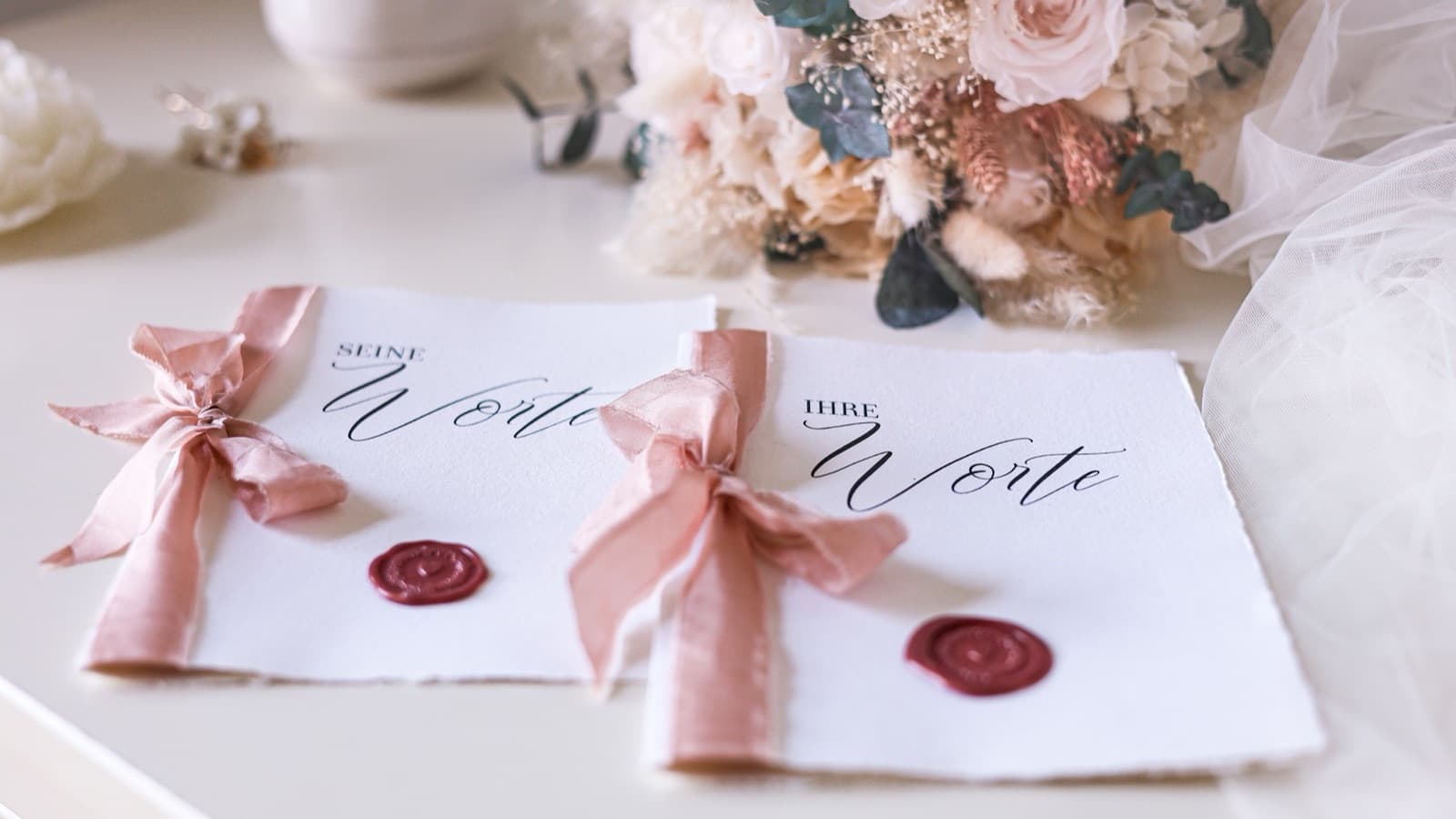
Wedding Invitation Wording Examples for Every Style
Formal, modern, casual, intimate and destination wording examples, plus what every invitation needs to include.
How to Create Digital Wedding Invitations for Free
A simple six-step process for a digital wedding invitation that looks personal, reads well on a phone and makes replying easy.