
Digital wedding invitations made beautiful and simple
Your invitation sets the tone for your wedding. Create a digital invitation that brings your story, event details and guest replies together in one elegant page. Choose a design, make it yours, and share it wherever your guests are.
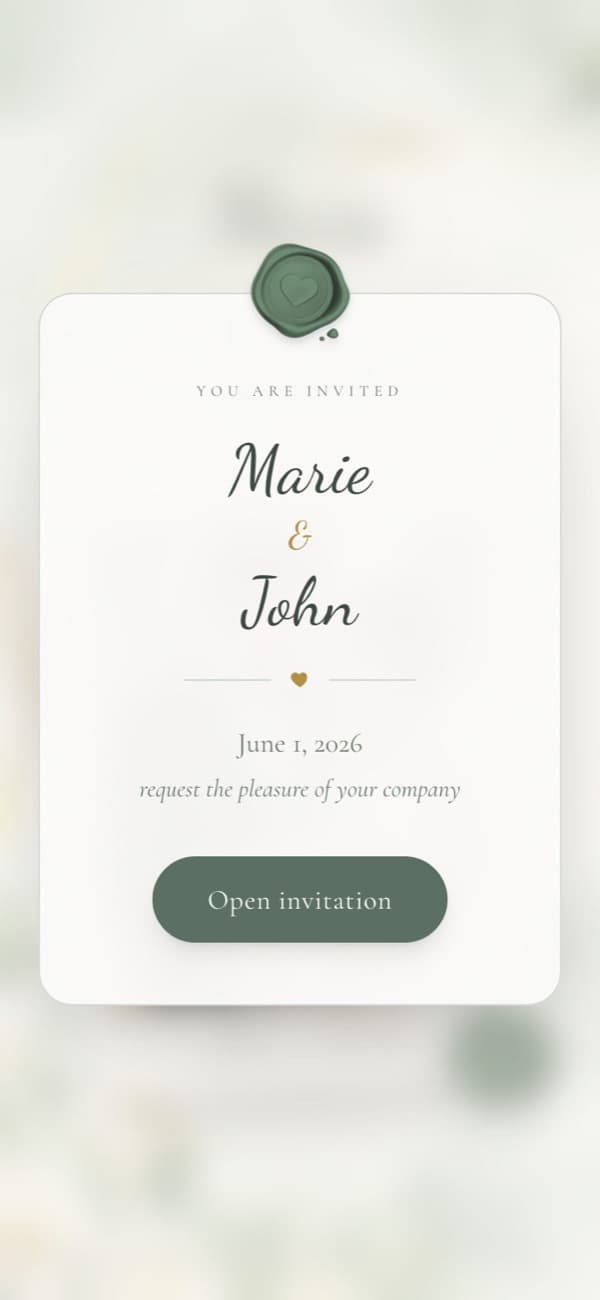
Everything a paper card does, and more
A digital invitation still feels personal. It also keeps the practical details in one place your guests can come back to.
Arrives in seconds
Send one link on WhatsApp, email or any messaging app. No printing, postage or waiting for cards to arrive.
Stays up to date
Change a time, venue or dress code after sending. Everyone who opens the link sees the latest details.
Directions built in
Each event shows its venue on a map, with a button that opens directions on the guest's phone.
Easy to save the date
Guests add the wedding to their phone calendar straight from the invitation.
Replies in one place
Guests RSVP on the invitation itself, so answers don't get lost in chats and voicemails.
In your language
The invitation's buttons and labels can be shown in the language you choose, so it reads naturally for your guests.
Create it in an evening
No design skills needed. Most of the work is typing your details.
- 01
Add your details
Your names, date, families, the events of the day and their venues. You can save and come back at any time.
- 02
Choose a design
Pick one of our templates. Switching later keeps everything you have written.
- 03
Publish for free
Your invitation goes live at its own link, eternalweddingbells.com/w/your-names, ready to share.
- 04
Share and collect replies
Send the link to everyone, or a personal link to each guest. Replies arrive in your dashboard and by email.
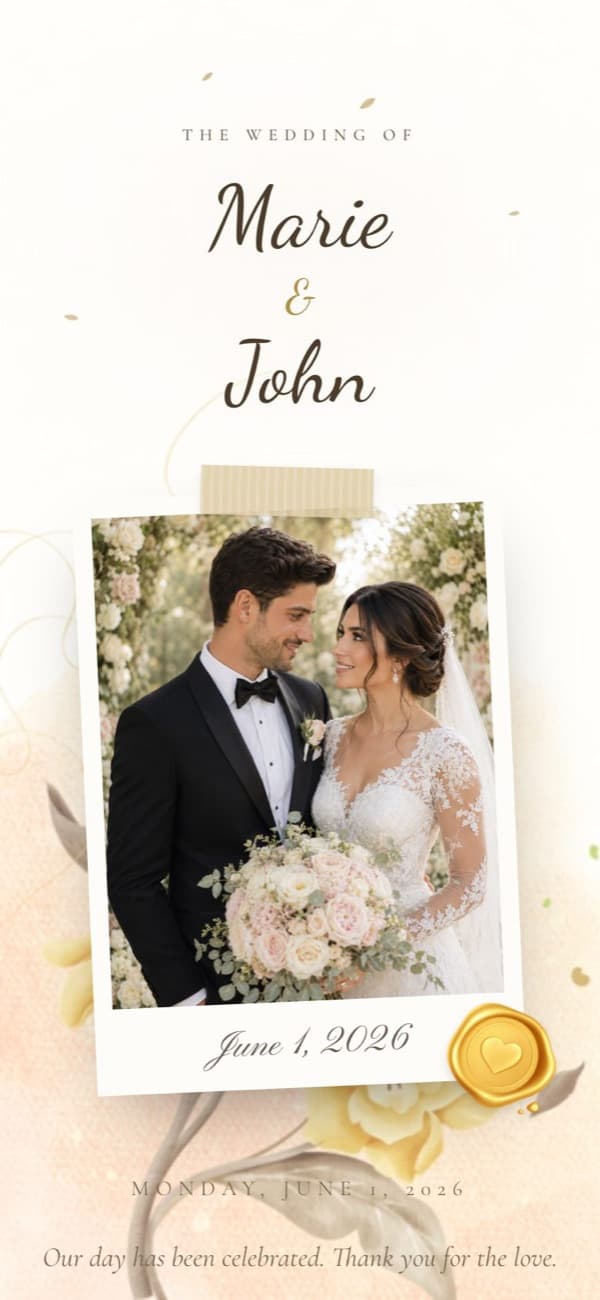
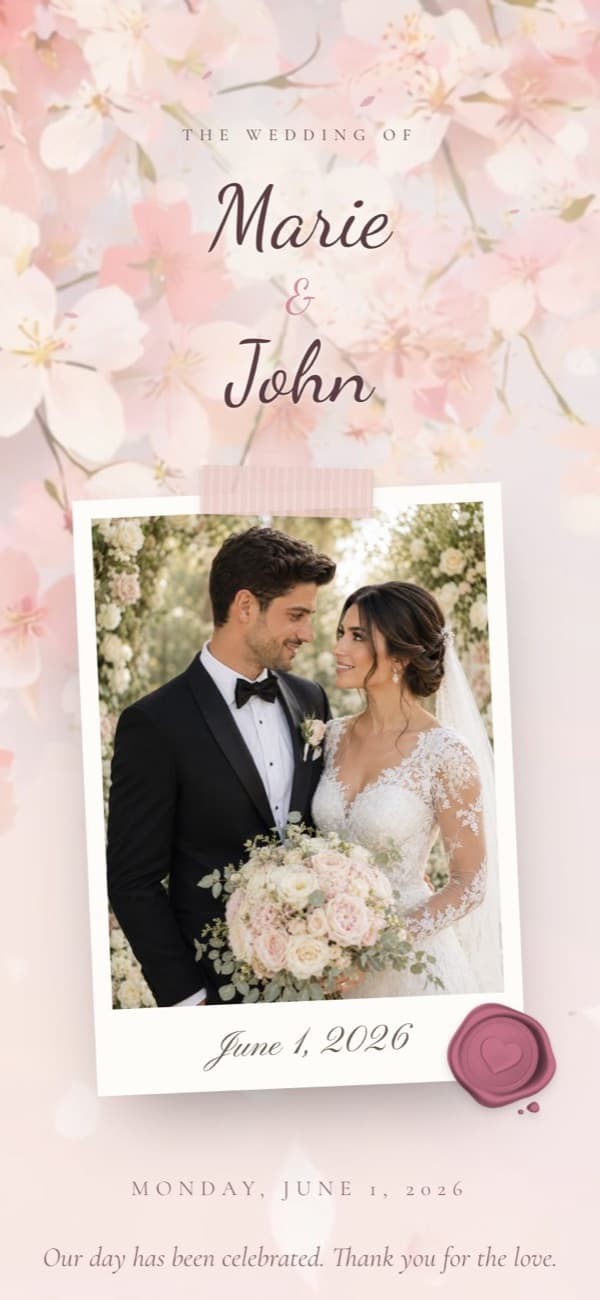
Preview real designs
See all templates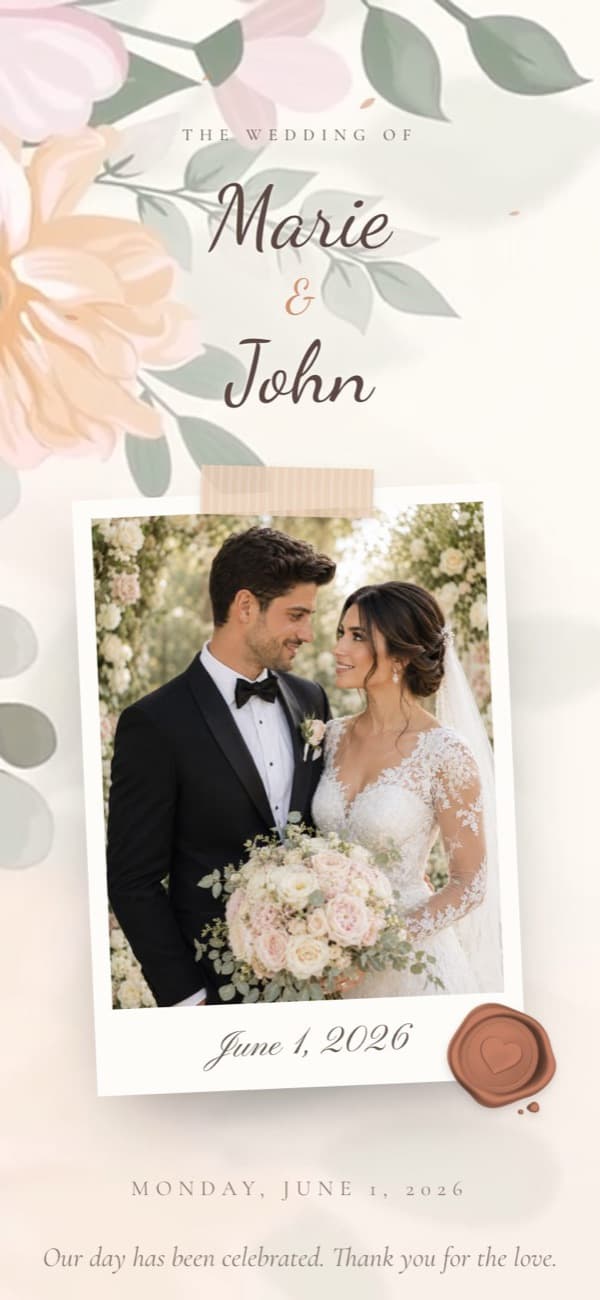
Share it wherever your guests are
Built for the way people actually send invitations today: in group chats, direct messages and email.
One link for everyone
Post a single link in a family group chat or send it to each contact. It opens like a website, with nothing to install.
A personal link per guest
Add your guest list and each person gets their own link. The invitation greets them by name and fills in their RSVP.
QR code for printed cards
Download a QR code for save-the-dates, place cards or a printed card for guests who prefer paper.
Live for 12 months
Your invitation stays online for a year from publishing, so it doubles as a keepsake after the day.
Know who's coming without chasing
Guests reply on the invitation with their answer, party size, meal preference and a note. You see every reply in your dashboard, get an email for each one, and can download the list as a spreadsheet.
Questions and answers
It's an invitation guests open on their phone or computer from a link, instead of a card in the post. Ours open with a sealed card, then show your photo, families, events with maps, an RSVP form and a wishes wall.
Yes. Creating, publishing, sharing and collecting RSVPs are free, with no card or subscription. Invitations are hosted for 12 months from the date you publish.
If they can open a link in WhatsApp or email, they can open the invitation. There is no app or account needed to view it or reply.
Yes. Many couples do both. Download your invitation's QR code and add it to a printed card so guests can find the details and reply online.
Your invitation can only be found by people you give the link to. We tell search engines not to list invitation pages, and only you can see your guest list and replies.
Guides for planning your invitation
All guides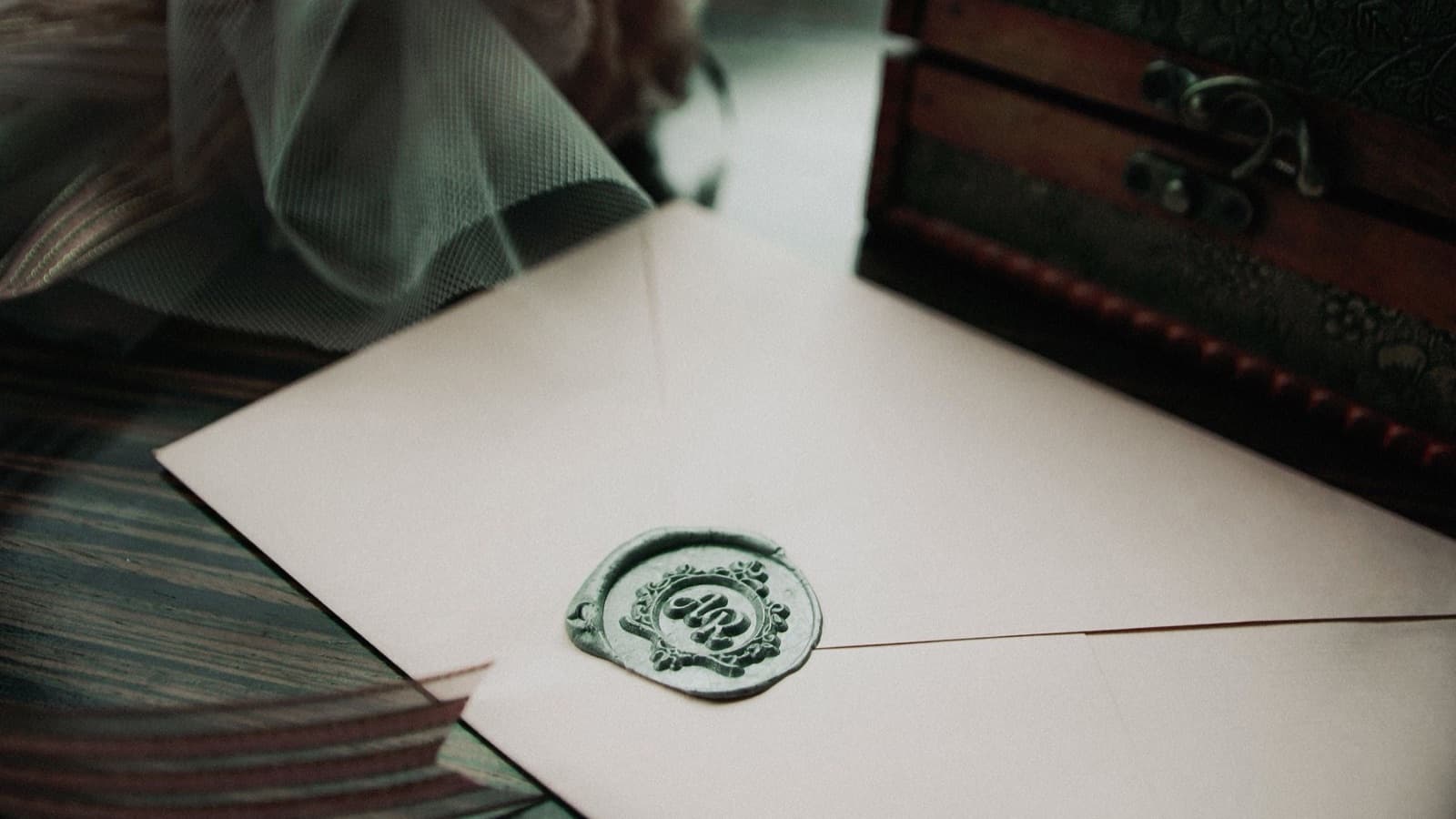
Digital vs Printed Wedding Invitations: Which Should You Choose?
How digital and printed invitations compare on cost, convenience and guest experience, and when to use both.

How to Create Digital Wedding Invitations for Free
A simple six-step process for a digital wedding invitation that looks personal, reads well on a phone and makes replying easy.